Help Center

Agent

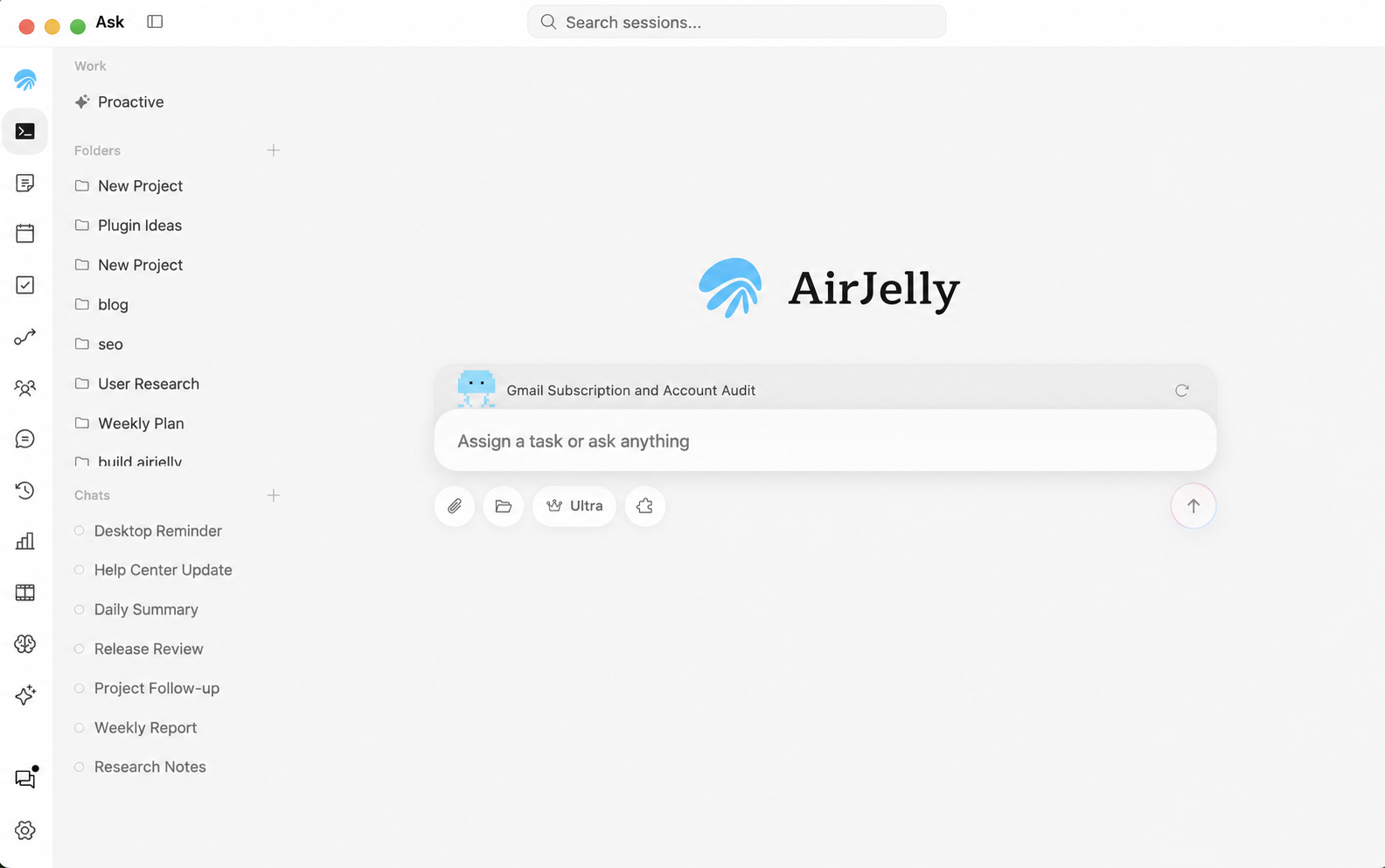
This is the workspace where AirJelly operates as your agent.

Where You Can Turn Context Into Action

If you have been using AirJelly for a while and it has accumulated relevant context, you can directly instruct it based on your past activities. For example, you can ask AirJelly to handle a file modification or research a topic you previously mentioned in Slack or Zoom. This highlights AirJelly’s ability to act based on context you already created, not only on instructions you type in the moment.

What You Can Do Here

  • Ask AirJelly to organize information, draft outlines, generate follow-ups, prepare handoff context, or run a repeated process.
  • Insert generated or existing tasks directly into the conversation so AirJelly can use the task-specific context precisely.
  • Review task states such as running, blocked, waiting, or queued so the work stays trackable.
  • Use skills inside Agent for specialized workflows or tool-assisted steps.
  • Turn a successful collaboration into a playbook or schedule when the workflow repeats.

Comments

Designer B.

AirJelly found the design files scattered on my computer and helped me turn them into a portfolio site. That was the first moment it felt like it was doing work with me.

Quant builder R.

When I was researching a trading script, it brought back context from the previous few days and reminded me that an earlier logic problem was still unresolved.